You press start, the screen lights up, and nothing moves. Or it's run happily all morning and then stopped dead with a panel halfway through and the next job already waiting. When an edgebander's not working, it nearly always comes down to one of three kinds of trouble, and it helps to know which you've got: it won't start at all, it starts and then stops, or it runs but the panels come out wrong. A few minutes of safe looking around can settle the first two, and either way you'll ring us with far better information.
You won't need to open a cabinet or put a hand inside a unit for any of this. It's all stuff an operator can check by looking, listening and pressing the buttons the machine expects to be pressed, and any one of them can be all that's stopping it.
Dead, stopping or just doing a bad job?
It's worth pinning this down first, because each one points somewhere different. A machine that won't start is often waiting on something it's been told to wait for, like a guard, an emergency stop, the air or the glue, though it can be electrical too. One that starts and then stops part way has usually tripped, dropped its air or lost sight of a panel. And one that runs but spoils the edge has a quality problem rather than a stoppage, which comes down to something that's changed, worn or drifted.
Even if it's running and only the edge is wrong, don't rule out the simple things. Glue that hasn't quite come up to temperature, or air pressure that's sagging, can show up on the panel well before either of them stops the machine.
When it won't start at all
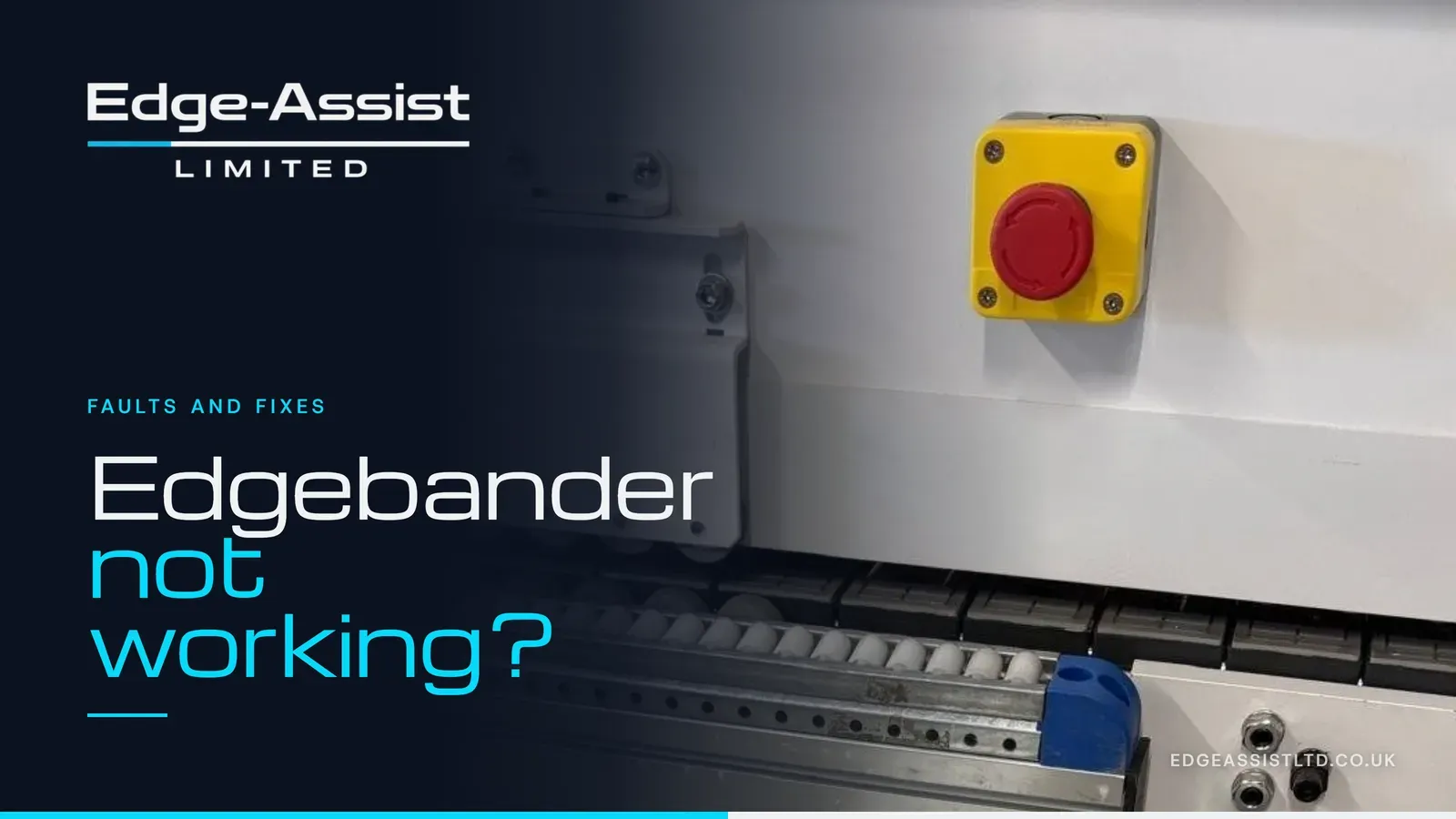
Start with the emergency stops, all of them. A long line can have several along its length, at the infeed, the outfeed and sometimes on the far side too, and one pushed in by a passing trolley or a sleeve is enough to keep the whole thing dead. Twist or pull each one out the way it's meant to be released, then reset from the screen as your machine normally asks.
Next, the guards and hoods. Most covers on an edge banding machine are interlocked, so a hood that hasn't quite dropped home after a clean, or a door left a few millimetres open, will stop the machine starting. Walk the length of it and make sure everything's properly closed, and if a door won't close square, mention it when you ring rather than forcing it.
Then the air. Have a look at the main pressure gauge on the machine's air supply and compare it with where it usually sits. If the compressor's off, a valve upstream has been shut, or the pressure's well down, the machine will often refuse to run or throw an air alarm, and that's nothing to do with the machine itself.
Last, the glue. A lot of machines won't let the feed run until the glue pot has reached its working temperature, so on a cold morning, or straight after the pot's been refilled with a lot of fresh granules, it can look as though nothing's happening when it's simply still warming up. The temperature reading on the screen or panel will tell you whether it's getting there. If it's sat stubbornly low for a long time, or isn't climbing at all, stop there and let us know, because the pot isn't heating properly and waiting won't fix it.
When it starts, then stops part way
This is the one that tests everybody's nerves, because the machine clearly can run, so it's tempting to clear it and carry on. Once is reasonable. Doing it over and over is how a motor that tripped for a reason ends up badly damaged, so if it stops a second time in the same way, leave it and get the details down instead.
Watch exactly where it stops and what it was doing. A motor that trips at the same point every time, or a fault code showing on the inverter, points towards the electrics and drives. A unit that comes in late, or not at all, or a panel that seems to vanish halfway as far as the machine is concerned, usually means a sensor or the pneumatics. And if it only happens when another machine in the shop is running, the air supply is worth a second look, since anything that pulls the pressure down at the wrong moment can stop a line.
Write down any alarm message word for word, or better still photograph the screen. Codes mean nothing out of context, but the exact code plus where in the run it appeared narrows the search a great deal.
When it runs, but the panels come out wrong
Sometimes the machine's working perfectly well as far as it's concerned, and it's the edge that's telling you something's off. Edging lifting at one end, a thick, dark glue line showing, trimming that leaves the edge proud or cuts into the face, ripples or rough corners all mean a unit has worn, drifted or gone out of adjustment, or that something going into the machine has changed.
So the question that helps most is what changed. Did it start after a new reel of edging went on, a different board thickness, a fresh bag of glue, a deep clean, or someone having a go at an adjustment? Edgebanders are set up for a particular combination of board, edging and glue, and a lot of quality trouble begins the day one of those changes. If nothing changed and the finish has been getting slowly worse, that sounds more like wear or drift, which is exactly what calibration and set-up deals with.
Keep a couple of the spoiled panels to one side. A photo of the bad edge, and one of a good panel from before it went wrong, shows what's changed far better than words can.
Things to leave well alone
There's a line between looking and fixing, and it's worth being clear about where it sits. Don't open the electrical cabinet or reset breakers and overloads inside it, and never reach into a unit while the machine has power or air on it. Don't wedge a guard switch or tape over a sensor to get it running, either. It might get the shift finished, but it takes away the very thing that stops someone getting hurt, and it hides the fault we're trying to find.
If anything inside needs cleaning, do it with the machine isolated, the way your manual and your own lockout routine say, and only the parts the manual expects an operator to clean. Anything beyond that is an engineer's job.
What to tell us when you ring
We'll want the make and model off the machine's plate, a photo of the screen and any codes, a short video if it'll still run, and your own description of what's going on. There's more on why each one helps on our breakdown repair page. It's worth adding the history too: when it started, whether it's getting worse, and anything that changed just before. Put that alongside the code and there's a lot less guessing.
When the checks don't sort it
If none of that has got it going, it's time to get us involved, and for a lot of faults the quickest route is a remote support call. You send over the photos, video and codes, then we go through it on the phone with whoever's stood at the machine. The call costs £95 plus VAT and runs for 45 minutes, and if we can't sort it in that time, £45 of it counts towards the engineer coming out to you. It suits faults that put a code or an alarm on the screen best, because talking those through with your operator is exactly what the call is for.
If the fault needs someone physically at the machine, we'll send an engineer out to you, and that's anywhere in the UK. And if this happens more than you'd like, regular servicing every three to six months, depending on how hard the machine works, catches a lot of these faults while they're still small.
Edgebanders are all we do, so if your edge bander has stopped, give us a ring on 07961 849601 with the symptoms in front of you, or book a £95 remote call and send the photos and video over.